
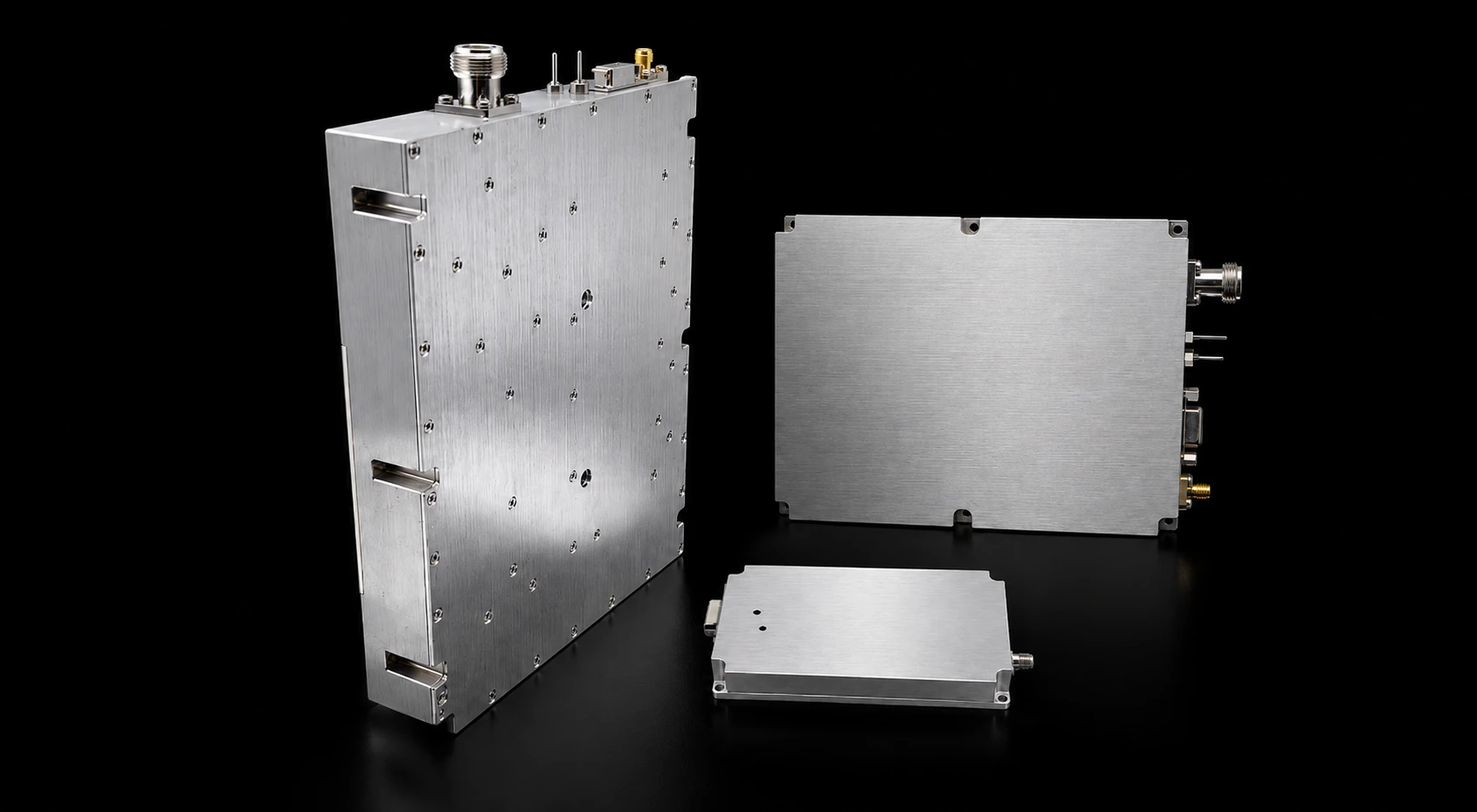
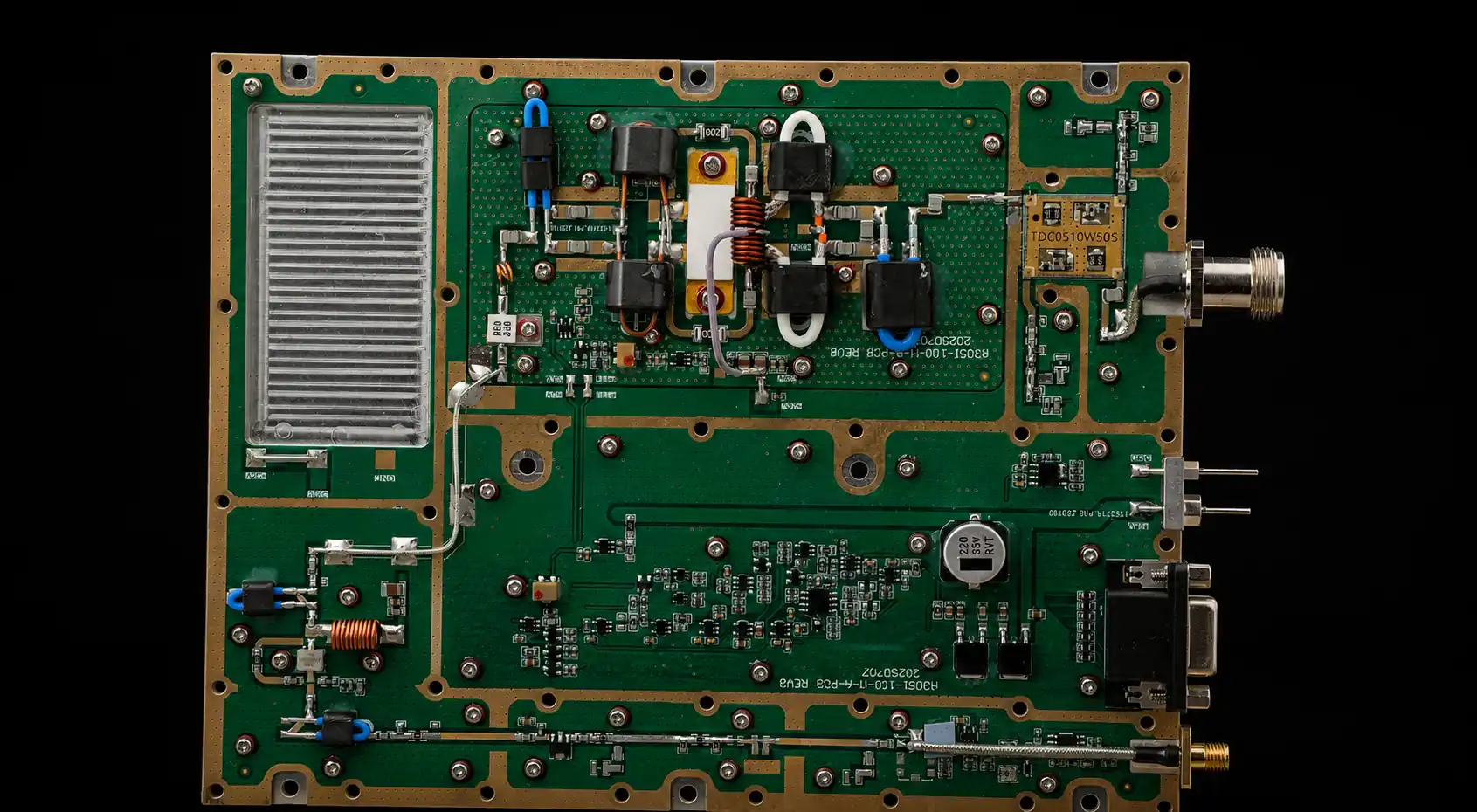
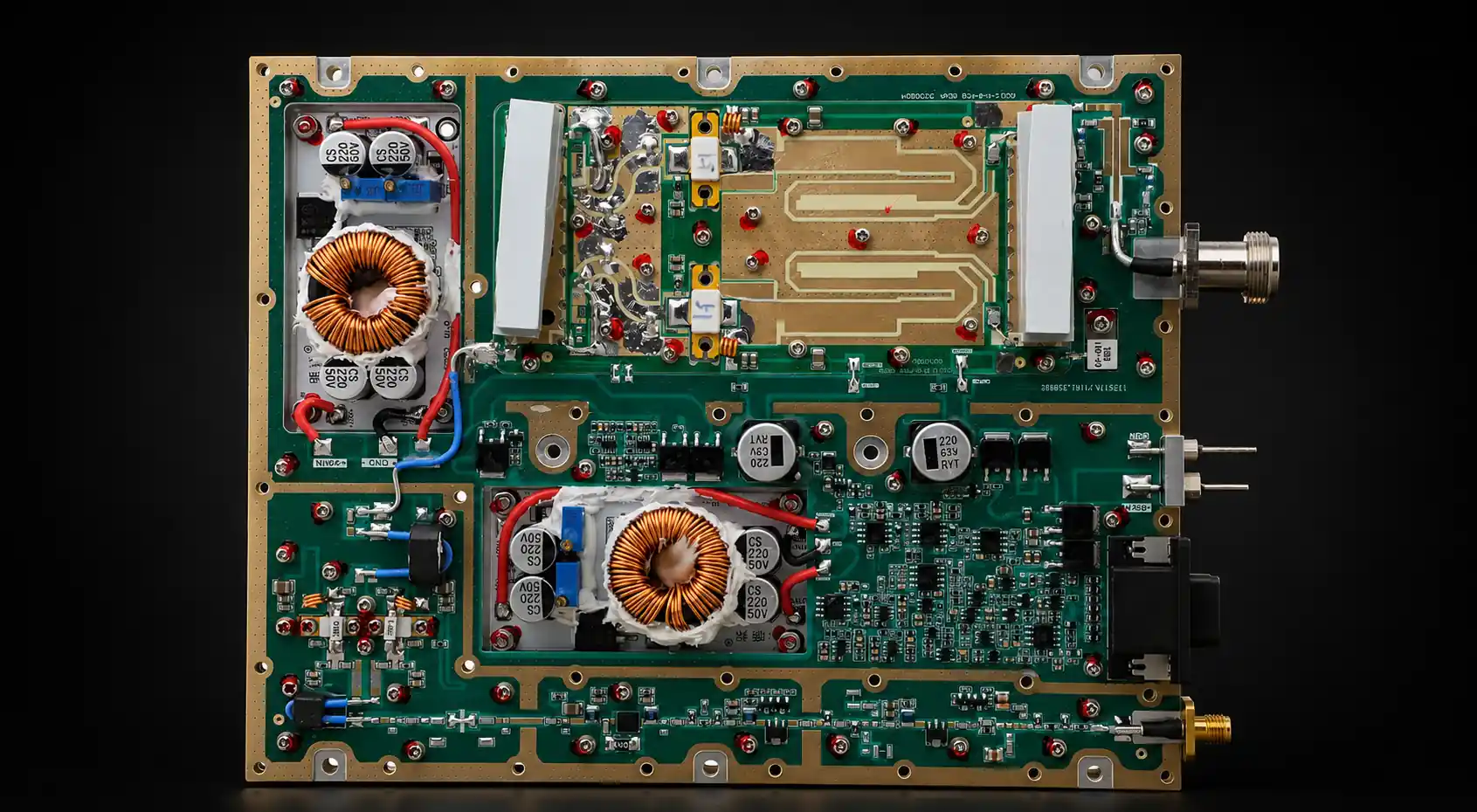
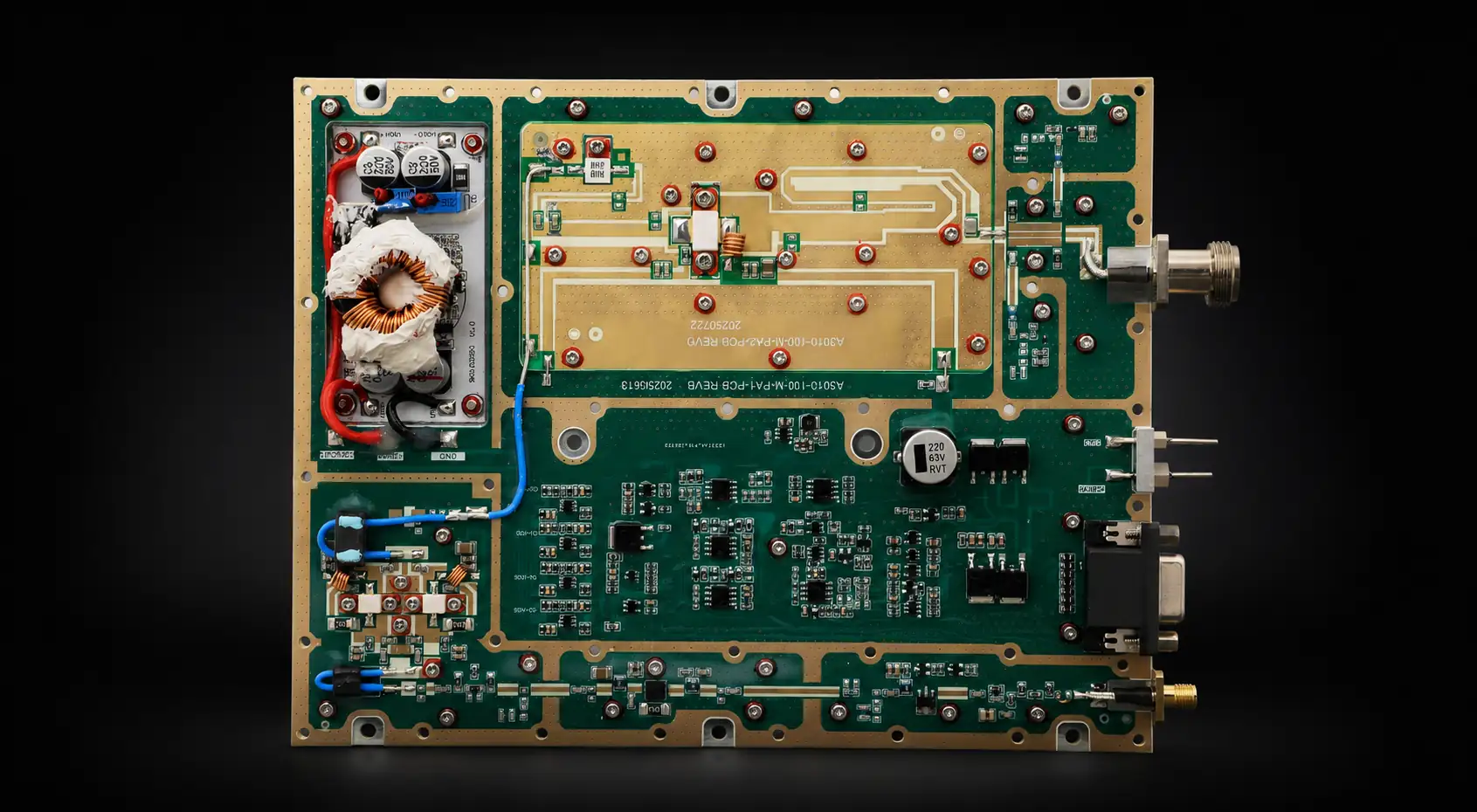
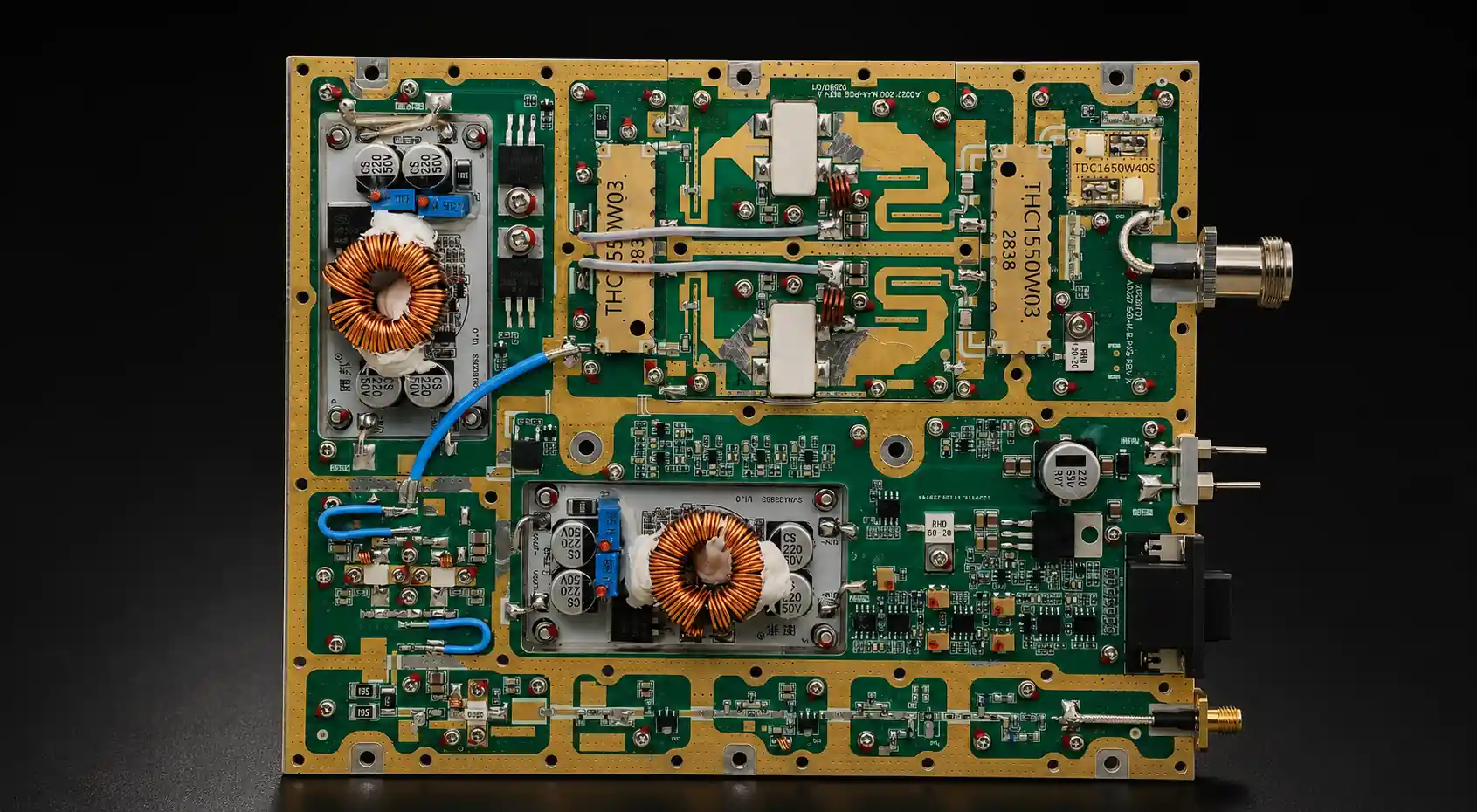
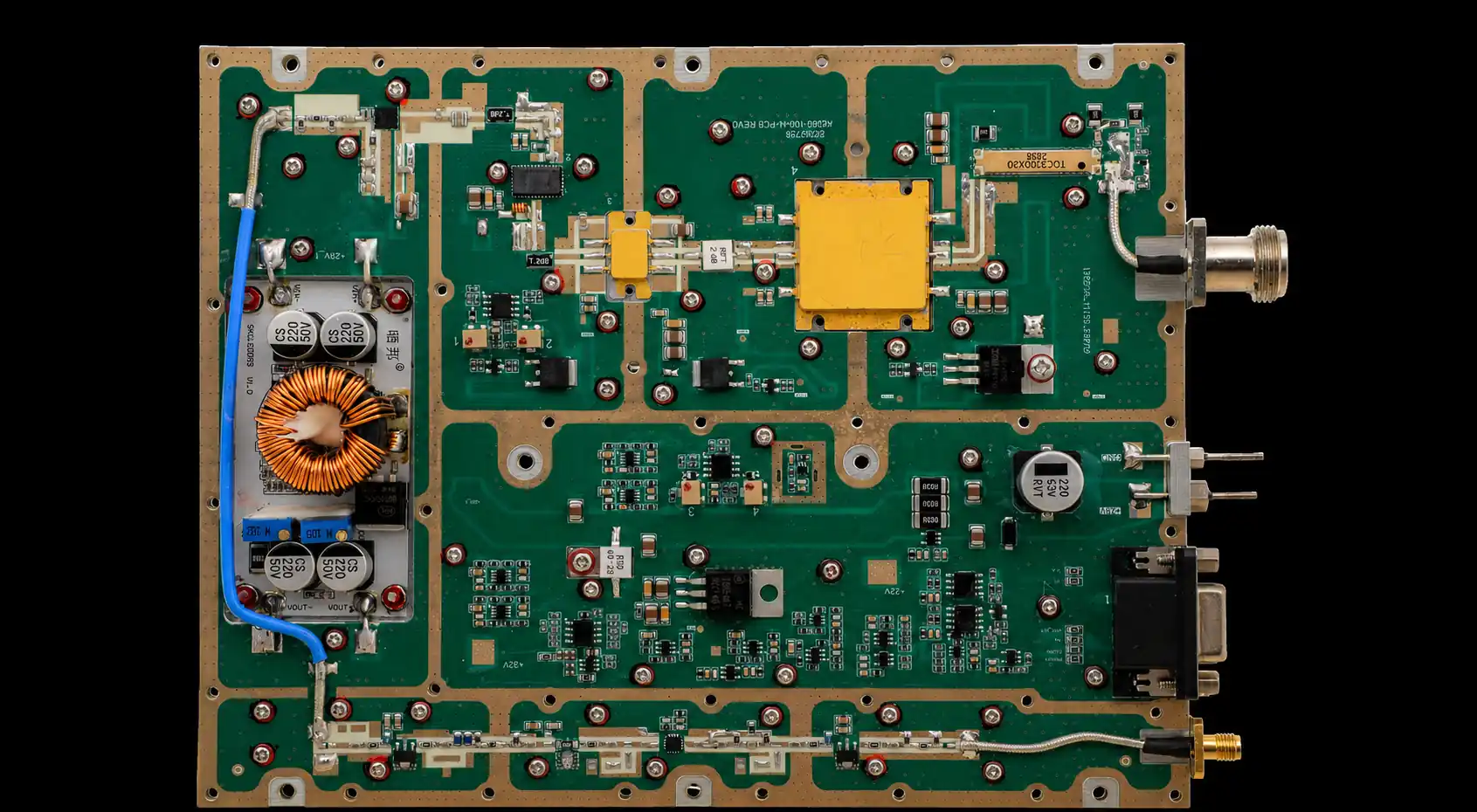
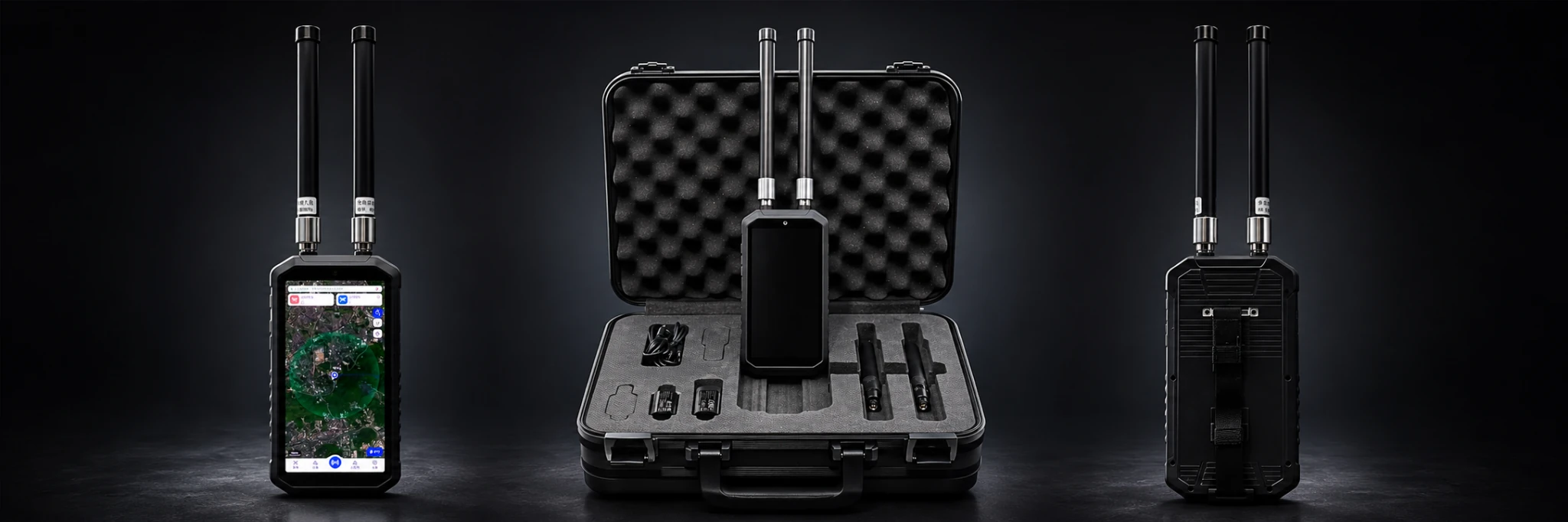


An RF Power Amplifier Datasheet can look complete—and still hide the condition that decides whether the module passes your project.
A 100 W line may apply to one frequency, one signal type, one input drive, one load, and a short room-temperature test. A wide frequency range may show where the module is designed to operate without proving equal output, gain, efficiency, or thermal margin at every required point.
The most dangerous datasheet is not always the one with a false number. It is the one with a technically correct number that gets read outside its test boundary.
When comparing RF Power Amplifier Modules, review the conditions behind each claim—not only the widest band, highest wattage, or best typical value.
Before shortlisting the module, answer one question:
Which datasheet line would change the selection decision if its missing test condition were revealed?
1. What an RF Power Amplifier Datasheet Can—and Cannot—Prove
A datasheet is primarily a screening document.
It should help the buyer decide whether a module is broadly suitable for further engineering review. It may show frequency coverage, output class, gain, DC requirements, operating temperature, protection features, connector type, dimensions, and control capability.
It does not automatically prove that one specific module will meet every project condition.
Frequency curves, hot-state results, load-mismatch behavior, alarm thresholds, interface details, and serial-number test evidence may belong in supporting engineering documents rather than the public datasheet.
A common mistake is treating every datasheet line as an unconditional acceptance limit.
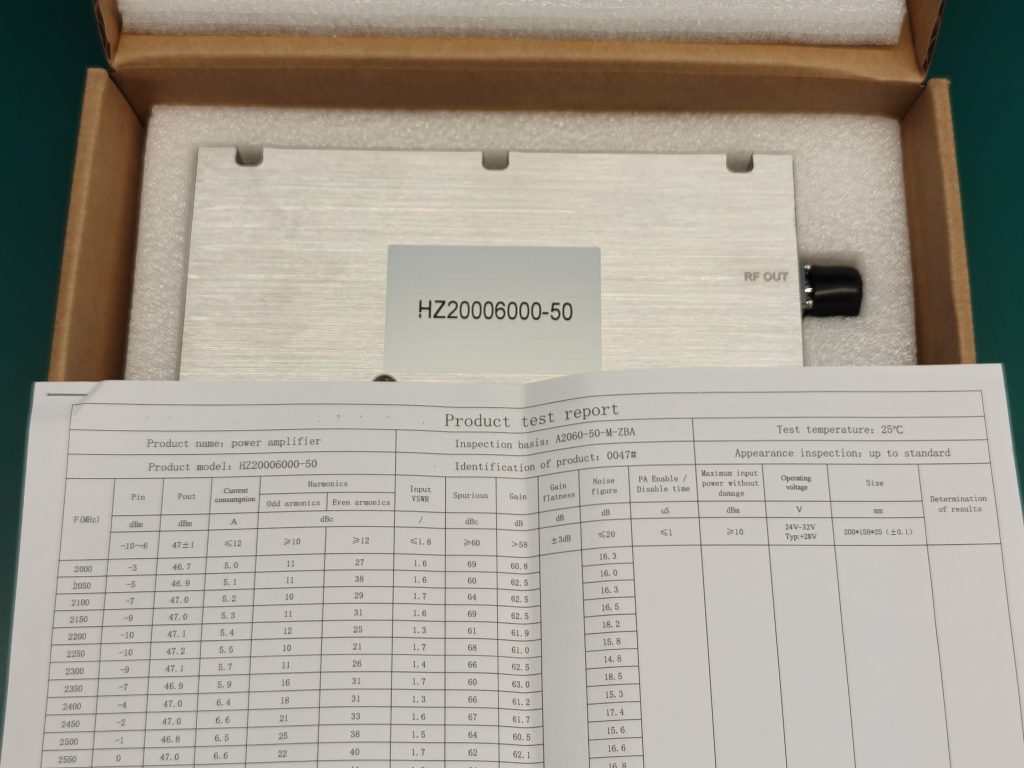
Rated, Typical, Minimum, and Maximum Do Not Mean the Same Thing
These labels must be separated before two modules are compared.
Rated identifies the declared operating level, but the label alone does not show whether the value is nominal, typical, or guaranteed. The datasheet must define the conditions and tolerance behind the rating.
A rated 100 W module is not automatically guaranteed to deliver at least 100 W at every frequency, temperature, supply condition, signal type, and load.
Typical describes a representative result under stated or implied conditions. It may show what a normal unit often achieves, but it is not automatically a contractual lower limit.
Minimum can support acceptance when the applicable frequency, signal condition, Pin, module-side voltage, load, thermal state, duty cycle, and measurement reference plane are defined.
Maximum may indicate an absolute maximum rating, an upper operating limit, or a defined withstand condition. Its meaning must be read from the parameter definition.
A maximum voltage, temperature, input level, or load VSWR should not automatically be treated as a recommended continuous operating point. For example, a stated mismatch-withstand condition does not necessarily mean that the PA can operate continuously at that VSWR while maintaining rated output.
A buyer should also determine whether each value is:
- guaranteed;
- measured;
- calculated;
- representative;
- design-targeted;
- project-specific.
If the value type is unclear, the number should not be used as an approval limit until the supplier defines it.
The Missing Condition Often Matters More Than the Number
A specification becomes useful only when its operating and measurement boundary is known.
Datasheet Claim vs Missing Condition vs Evidence to Request
| Datasheet Claim | Missing Condition to Check | Evidence to Request |
|---|---|---|
| Frequency range | Required points, band-edge behavior, and permitted performance variation | Swept-frequency or target-frequency data |
| Rated output | Frequency, signal type, bandwidth or PAPR, Pin definition, module-side Vdc, load, duty cycle, thermal state, and reference plane | Measured output compared with the defined minimum at the stated reference plane and signal condition |
| Typical gain | Frequency span, input level, tolerance, signal condition, and compression state | Gain curve and gain-flatness data |
| DC current | Frequency, RF output, signal type, module-side voltage, and thermal state | Vdc and Idc recorded during RF operation |
| Operating temperature range | Temperature reference point, cooling boundary, duty cycle, and whether full performance is required across the range | Powered cold-state and hot-state data where the project requires performance at temperature |
| VSWR protection | Minimum valid FWD level or measurement range, threshold, action, persistence, and recovery | Alarm, foldback, shutdown, and recovery record |
| Module dimensions | External cooling, connector envelope, and cable-clearance boundary | Mechanical drawing and cooling-interface definition |
This table does not mean that every public datasheet must become a complete qualification report.
It shows which claims can support initial screening and which require project-relevant evidence before sample approval.
2. Which Frequency, Output, and Gain Claims Need Test Conditions
Frequency range, output power, and gain are often the first specifications buyers compare.
They are also the specifications most easily misread when the test conditions are incomplete.

Frequency Range Does Not Prove Equal Performance Across the Band
A range such as 300–2700 MHz or 2000–6000 MHz identifies intended coverage. It does not prove identical output, gain, efficiency, current, matching, or thermal margin at every frequency.
A center-frequency result should not approve a lower band edge, upper band edge, or project-critical point.
The review should determine:
- which frequencies were tested;
- whether the required edge and priority points were included;
- whether actual Pin was measured and controlled consistently by frequency;
- whether output was recorded after thermal stabilization;
- which frequency-specific path corrections were applied;
- where the output reference plane was located.
If Pin was adjusted to maintain a target output, the required drive at each frequency should be recorded rather than hidden behind one output curve.
The difference between a broad catalog range and an effective project band is examined further in this RF PA frequency-range review.
Rated Wattage Must Define the Signal Condition
The same output label can describe very different RF conditions.
For CW, pulsed, or modulated operation, the datasheet should state whether Pin and Pout represent:
- average power;
- peak power;
- peak-envelope power;
- pulse power.
Signal bandwidth, duty cycle, and peak-to-average power ratio can change compression, current demand, efficiency, temperature, and protection behavior.
A PA that delivers 100 W CW is not automatically equivalent to one that reaches 100 W only as a pulse peak or peak-envelope value. The output definition must match the project waveform and duty requirement.
Rated Wattage Must Also Be Connected to Pin, Vdc, Load, and Temperature
A statement such as “100 W output” remains incomplete unless the buyer knows:
- test frequency;
- actual Pin at the PA input;
- module-side voltage;
- RF load;
- operating duration;
- cooling and thermal state;
- measurement reference plane.
The signal-generator setting is not automatically the power reaching the PA. Cables, attenuators, switches, adapters, and driver stages can change actual Pin by frequency.
The power-supply display also does not prove the voltage at the PA under RF load. Harness and connector losses may reduce module-side voltage when current rises.
The output value must also state where it applies.
Power corrected to the PA output connector is not the same as power available at the antenna after filters, switches, adapters, feeder cables, and connectors.
A datasheet should define its output boundary. The project should then decide whether the requirement applies at the PA port or farther along the installed RF path.
The difference between rated wattage and project-usable output is covered in usable RF output power.
One Gain Number Does Not Describe the Complete Band
A single gain value may represent one center frequency, one input level, one signal condition, one temperature, or one sample.
It does not show where gain falls, rises, or approaches compression.
The buyer should confirm whether the claim is typical or minimum, which frequencies it covers, whether it represents small-signal or full-power gain, and what variation is permitted.
Gain flatness matters because the same input drive may produce different output across the band.
At one frequency, the PA may remain below compression. At another, the required drive may move it closer to saturation, current limiting, or protection foldback.
A useful comparison therefore records actual Pin and corrected output by frequency instead of relying on one headline gain value.
3. How DC, Thermal, and Mechanical Limits Must Be Read Together
Electrical, thermal, and mechanical specifications may appear in separate datasheet sections.
In the installed system, they form one operating boundary.
DC Voltage Must Be Defined at the Module
A datasheet may state a nominal input such as 28 V.
The buyer still needs to know the permitted range, voltage used for the rated output, current at that output, expected maximum current, startup demand, protection boundaries, and connector limits.
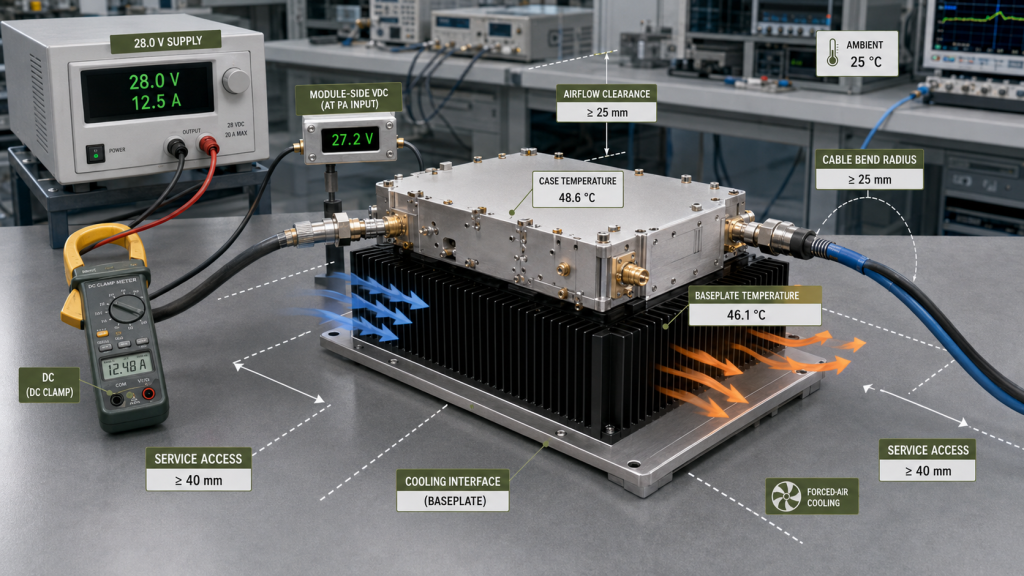
The meaningful voltage is the value measured at the PA input while RF power is being produced.
A correct power-supply setting may still result in lower module-side voltage because of cable resistance, connectors, fuses, relays, distribution boards, or internal harnesses.
Current data also requires context. A current value without frequency, RF output, signal type, module-side voltage, load, duty cycle, and thermal state cannot reliably size the power supply or wiring.
Operating Temperature Is Not a Full-Output Guarantee
A line such as:
Operating temperature: −40°C to +60°C
may define an ambient, inlet, case, heatsink, or baseplate boundary.
These temperatures are related but not interchangeable.
The range does not automatically prove that the PA maintains rated output, gain, efficiency, and duty cycle at every temperature inside it.
The cooling boundary should identify whether operation depends on an external heatsink, forced airflow, water cooling, a cold plate, a maximum baseplate temperature, or a defined thermal resistance.
For continuous or high-duty service, stabilized evidence should record frequency, signal type, Pin, corrected output, Vdc, Idc, measured temperature, cooling condition, duration, and protection status.
Efficiency Must Be Tied to an Operating Point
Efficiency changes with frequency, output, input drive, supply voltage, waveform, thermal state, and load match.
A typical peak-efficiency number should not be applied across the complete band.
If a PA draws 1 kW of DC power and delivers 500 W of RF output, approximately 500 W remains to be dissipated as heat within the amplifier and its thermal path.
This estimate assumes that the stated RF output represents the total relevant RF power leaving the defined output boundary. It also assumes that auxiliary loads such as external fans or pumps are accounted for separately.
Thermal design must therefore be reviewed with RF output and current, not as an independent mechanical issue.
Bare Module Size May Exclude the Installation Boundary
A compact housing dimension may exclude:
- external cooling hardware;
- airflow clearance;
- connector envelope;
- cable bend radius;
- mounting hardware;
- service access.
The buyer should confirm whether the stated size describes the PA housing only or the complete installed cooling and connector boundary.
The mechanical drawing should define mounting holes, connector orientation, grounding surfaces, keep-out areas, and the required cooling interface.
4. What VSWR, Protection, and Control Specs Must Explain
A datasheet may list VSWR protection, over-temperature protection, voltage protection, current protection, alarm output, remote enable, and status feedback.
A feature name does not explain the module’s behavior.
“VSWR Protection: Yes” Is Not Enough
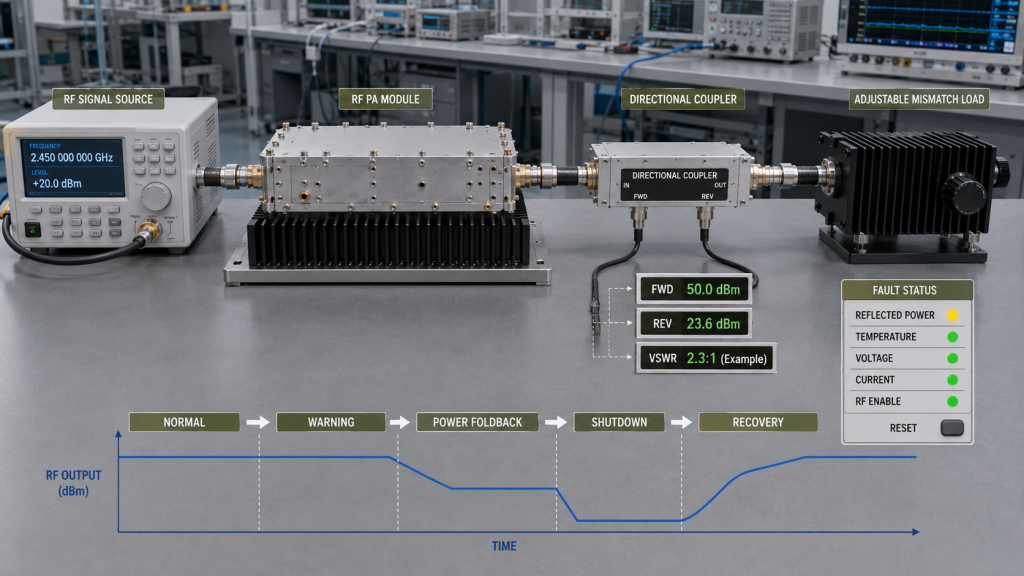
The buyer should determine what is measured, when the measurement is valid, which threshold is used, what action occurs, and how the module recovers.
The response may be:
- warning;
- power foldback;
- shutdown;
- latched fault;
- automatic recovery.
Timing also matters. The logic may use persistence, debounce, or hysteresis to prevent a brief transient from causing repeated shutdown and restart cycles.
VSWR may be calculated from corrected FWD and REV values referenced to the same measurement plane. At very low FWD—or when REV approaches the coupler or sensor measurement floor—the calculated ratio may become unreliable.
A protection design may therefore use a minimum valid FWD level, an absolute REV threshold, a VSWR threshold, or a combination of these conditions.
The public datasheet does not need to publish every calibrated threshold. It should state the protection type and identify whether detailed threshold and recovery records are available.
Where those records form part of acceptance, RF PA alarm thresholds should be reviewed against the actual output, load, signal, and measurement boundary.
Protection Categories Should Not Be Blended Together
A single FAULT signal may not tell the system whether the cause is high reflected power, temperature, voltage, current, or an internal control error.
Each fault can require a different response.
The datasheet should indicate whether the module provides separate fault categories, alarm status, RF enable, reset, power-state feedback, or telemetry.
Detailed pin definitions, command formats, logic levels, timing, and recovery sequences normally belong in an interface-control document or command reference.
Available Control Is Not the Same as Integration-Ready Control
A statement that the PA supports serial commands, analog control, enable pins, or status outputs is only the starting point.
The integrator still needs the connector, pinout, voltage levels, protocol, default power-up state, enable sequence, timeout behavior, fault-reset method, and command-response format.
A useful datasheet statement may therefore be:
Remote enable and fault feedback available; detailed interface documentation provided for project review.
That is more useful than listing a control feature without defining how the integration details are obtained.
5. When a Datasheet Is Not Enough: Test Reports and Acceptance Evidence
A datasheet can screen a module.
It cannot prove every project condition or confirm that one delivered serial number passed shipment testing.
The buyer should distinguish five types of evidence.
Datasheet
The datasheet provides the product identity, general operating range, basic performance claims, environmental limits, interfaces, and available protection or control features.
Its role is initial comparison.
Characterization Data
Characterization data shows how the design behaves across frequency, power, signal type, temperature, load, and other operating variables.
It may identify trends, margins, and weak points without serving as a formal pass-or-fail qualification record.
Qualification Evidence
Qualification evidence verifies a defined design or process baseline against stated requirements.
It should identify:
- hardware or BOM revision;
- firmware or threshold-file revision where applicable;
- tested configuration;
- sample basis;
- test method;
- acceptance limits;
- pass-or-fail conclusion.
Qualification evidence should not be assumed from one representative engineering curve.
Sample Test Report
Sample and shipment reports should both define the tested configuration, frequency points, electrical conditions, RF load, thermal boundary, measurement reference plane, and result.
A sample test report shows how a particular evaluation unit performed. It supports sample review but does not automatically prove the performance of every later production unit.
The report should identify enough configuration information to show whether the tested sample represents the product being considered.
Shipment Acceptance Report
A shipment acceptance report applies to the delivered module or batch.
Where unit-level evidence is required, it should identify:
- model and serial number;
- hardware or BOM revision;
- test date;
- tested frequency points;
- signal condition;
- actual Pin;
- corrected output at the defined reference plane;
- module-side Vdc and Idc;
- load and cooling condition;
- applicable protection checks;
- pass-or-fail conclusion.
A statement such as “100% tested” has limited value unless the test scope and acceptance limits are defined.
For projects requiring delivery evidence, RF power amplifier reliability testing should distinguish design-level qualification, batch-level checks, and serial-number shipment records.
The Datasheet Should Point to Supporting Evidence
A public datasheet does not need to contain every factory record.
It should make the evidence path clear, for example:
- swept data available for project review;
- hot-state data available under defined cooling conditions;
- interface-control document available;
- alarm-threshold record available;
- qualification evidence available for the applicable design baseline;
- serial-number shipment report available where required.
This keeps the public document readable while showing how the buyer can move from initial screening to project approval.
RFQ: What to Ask Before Sample Approval
A strong RFQ should convert the project boundary into testable conditions.
At minimum, provide:
- required frequency range and priority points;
- minimum output at the defined reference plane;
- signal type, bandwidth, duty cycle, and PAPR where applicable;
- available Pin and whether it is defined as average, peak, or peak-envelope power;
- module-side DC voltage and current boundary;
- operating duration;
- temperature and cooling condition;
- RF load and VSWR boundary;
- protection and control requirements;
- required evidence and traceability.
The supplier should translate these project requirements into a documented test plan.
Both parties should agree on the test frequencies, signal condition, input-drive method, stabilization condition, measurement-path corrections, acceptance limits, report format, and serial-number linkage where required.
The RFQ should not ask whether the datasheet is “correct.”
It should ask which claims are sufficient for screening and which need project-relevant evidence before approval.
Conclusion
An RF Power Amplifier Datasheet is useful for screening, but its numbers only become meaningful when their signal, electrical, thermal, load, mechanical, and measurement boundaries are known.
The safest review separates rated values from guaranteed minimums, typical data from acceptance limits, characterization from qualification, and sample evidence from shipment evidence.
Send the candidate datasheet, required frequencies, signal condition, minimum output, available Pin, module-side DC boundary, operating duty, cooling method, RF load, reference plane, protection requirements, and required report format.
RF SKYPOWER’s engineering team can review which claims support initial selection and which require target-frequency, hot-state, protection, qualification, or serial-number-linked evidence before sample approval.