
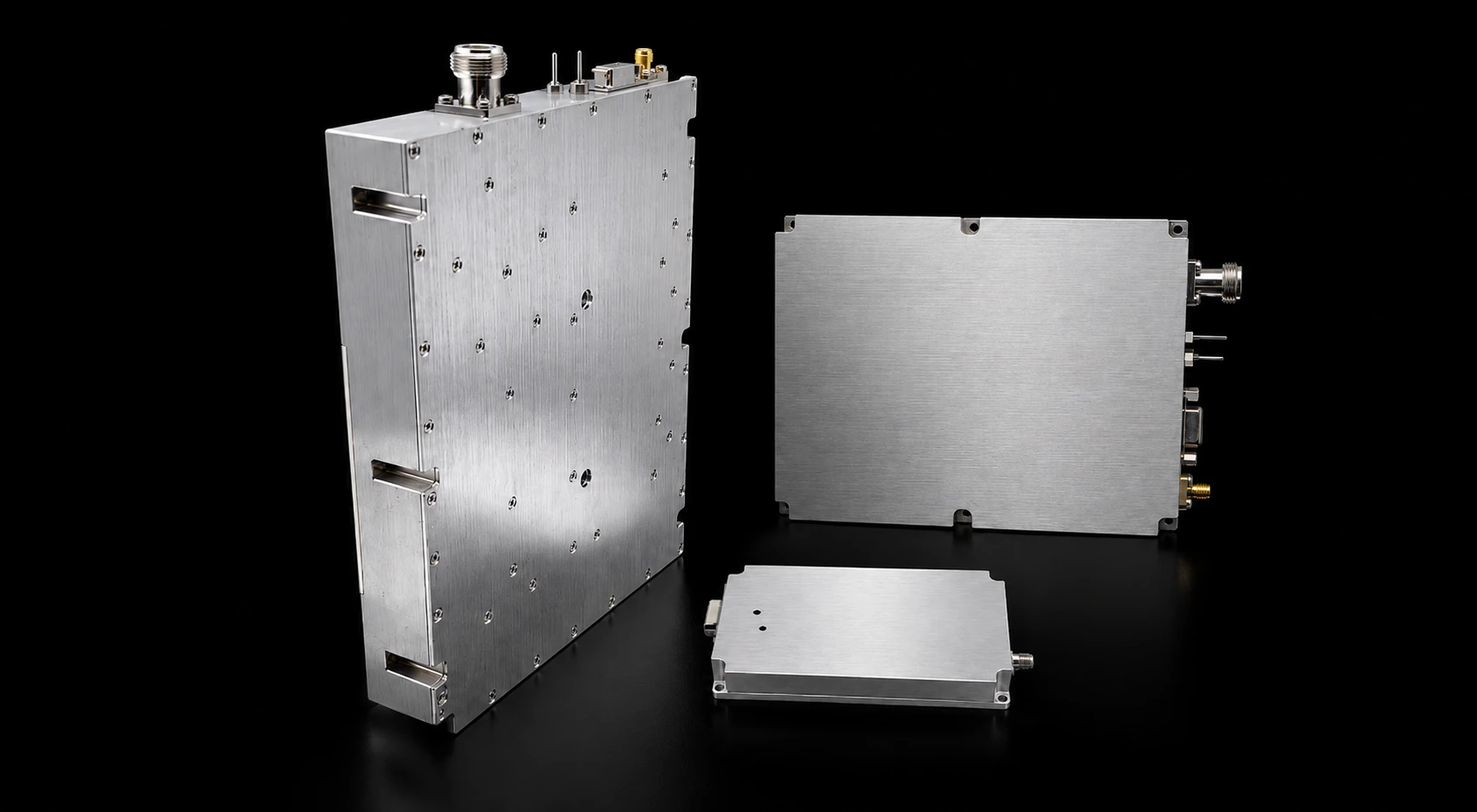
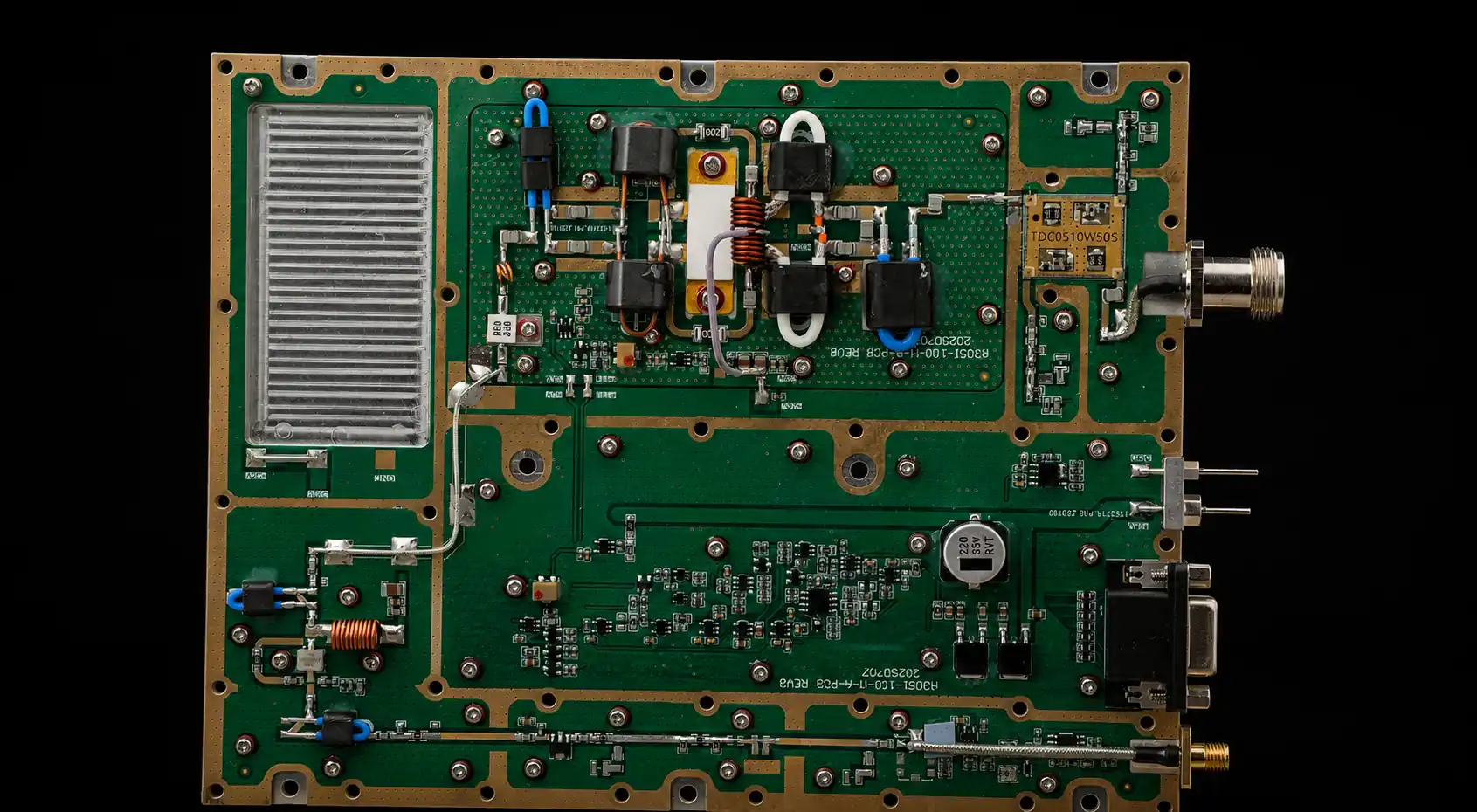
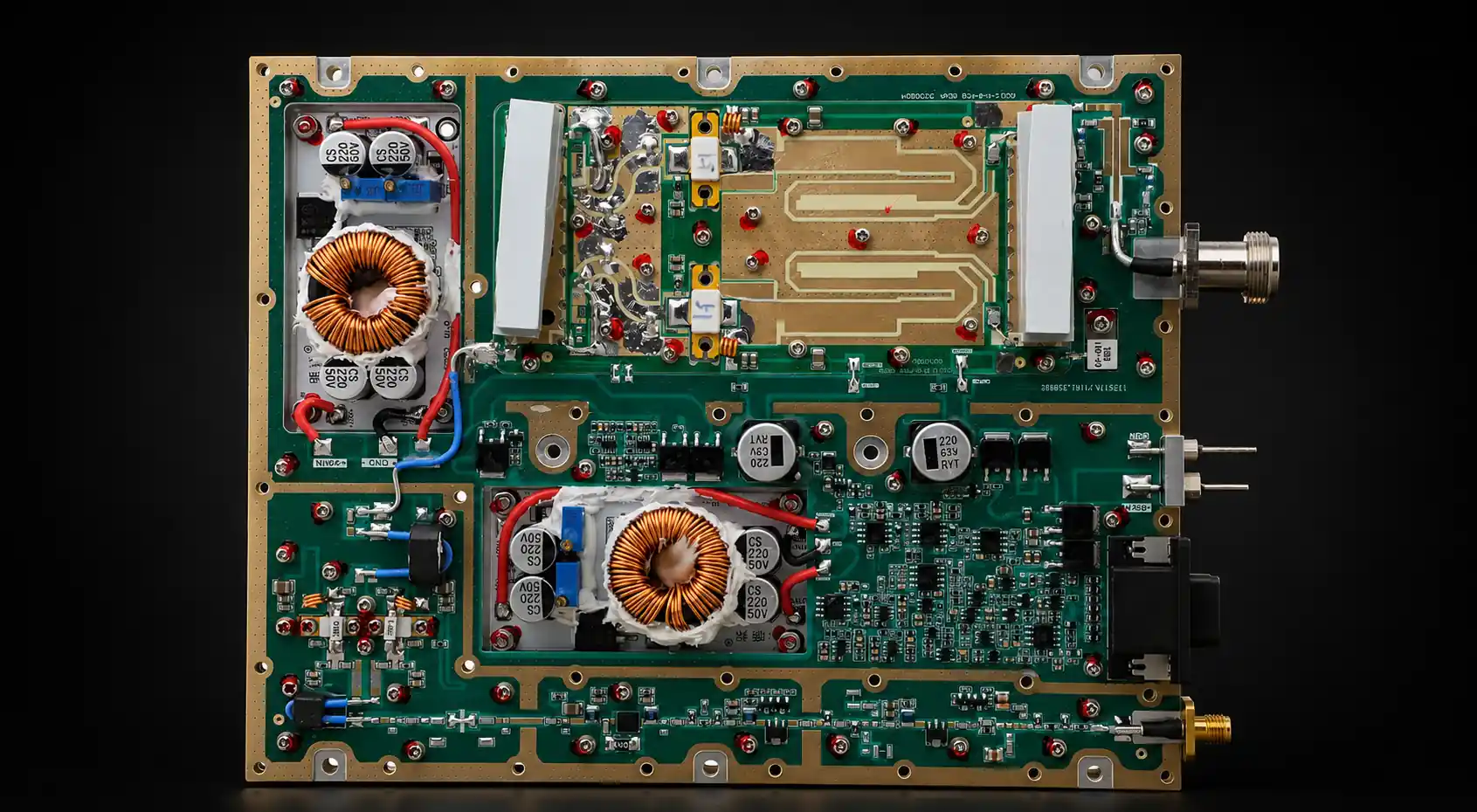
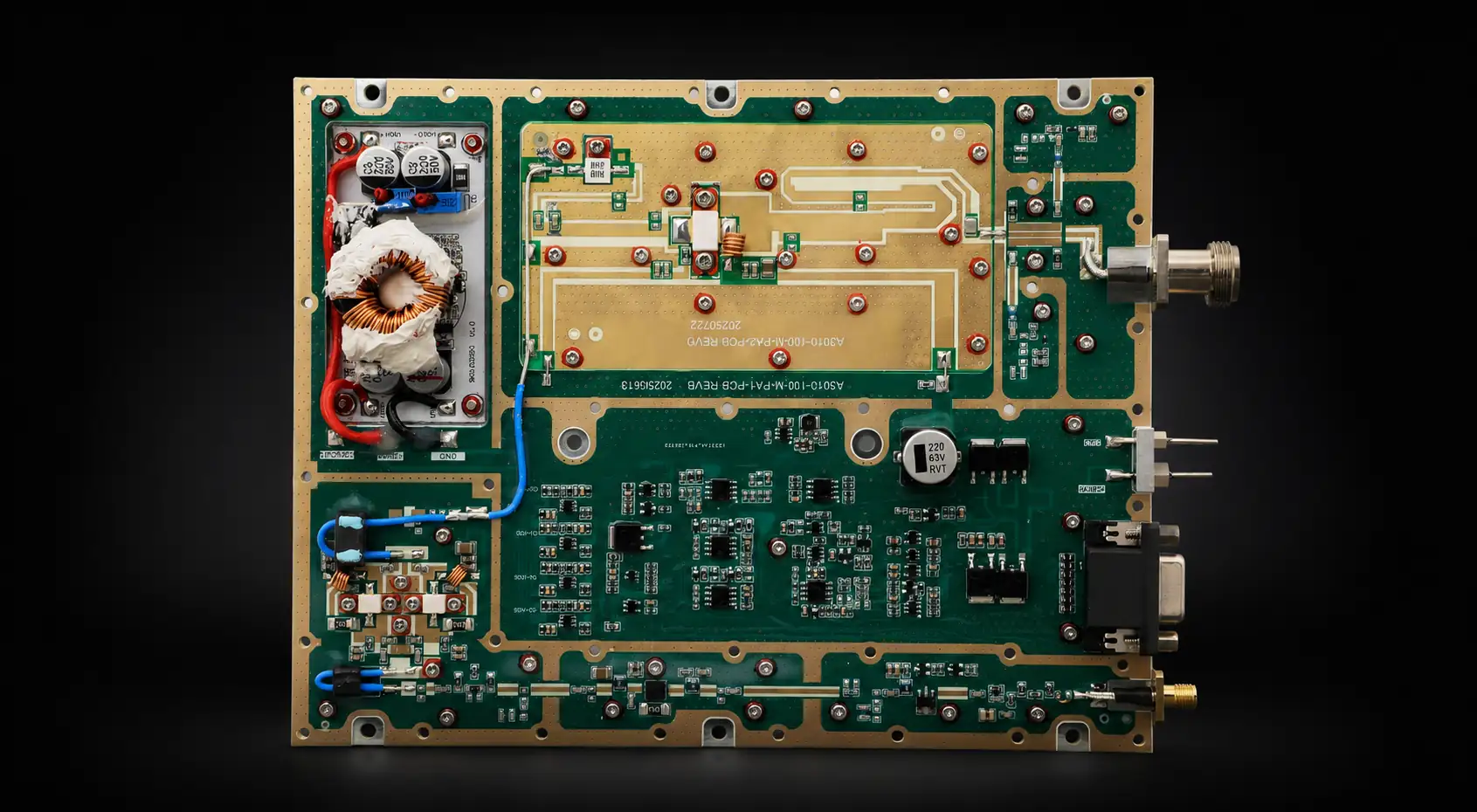
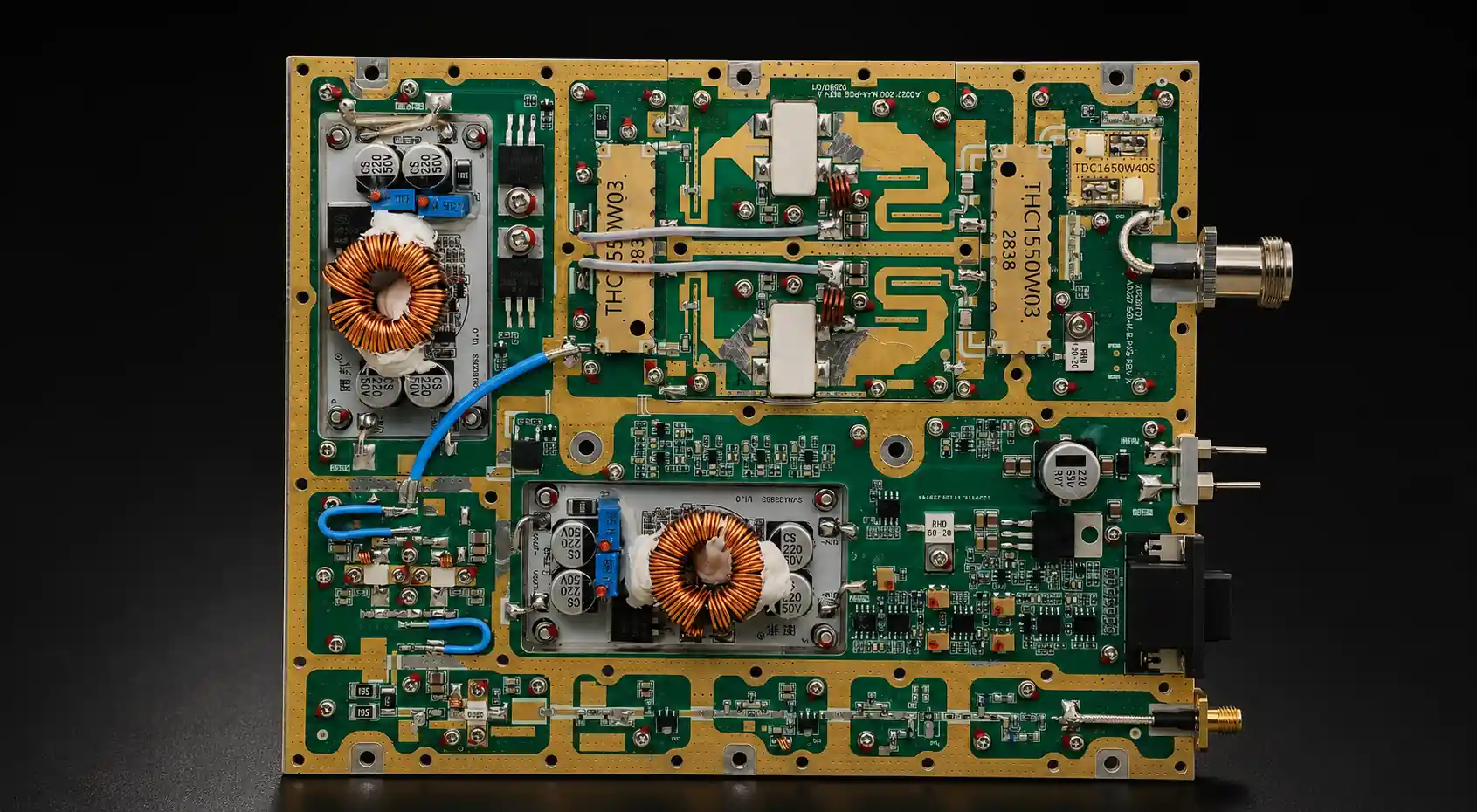
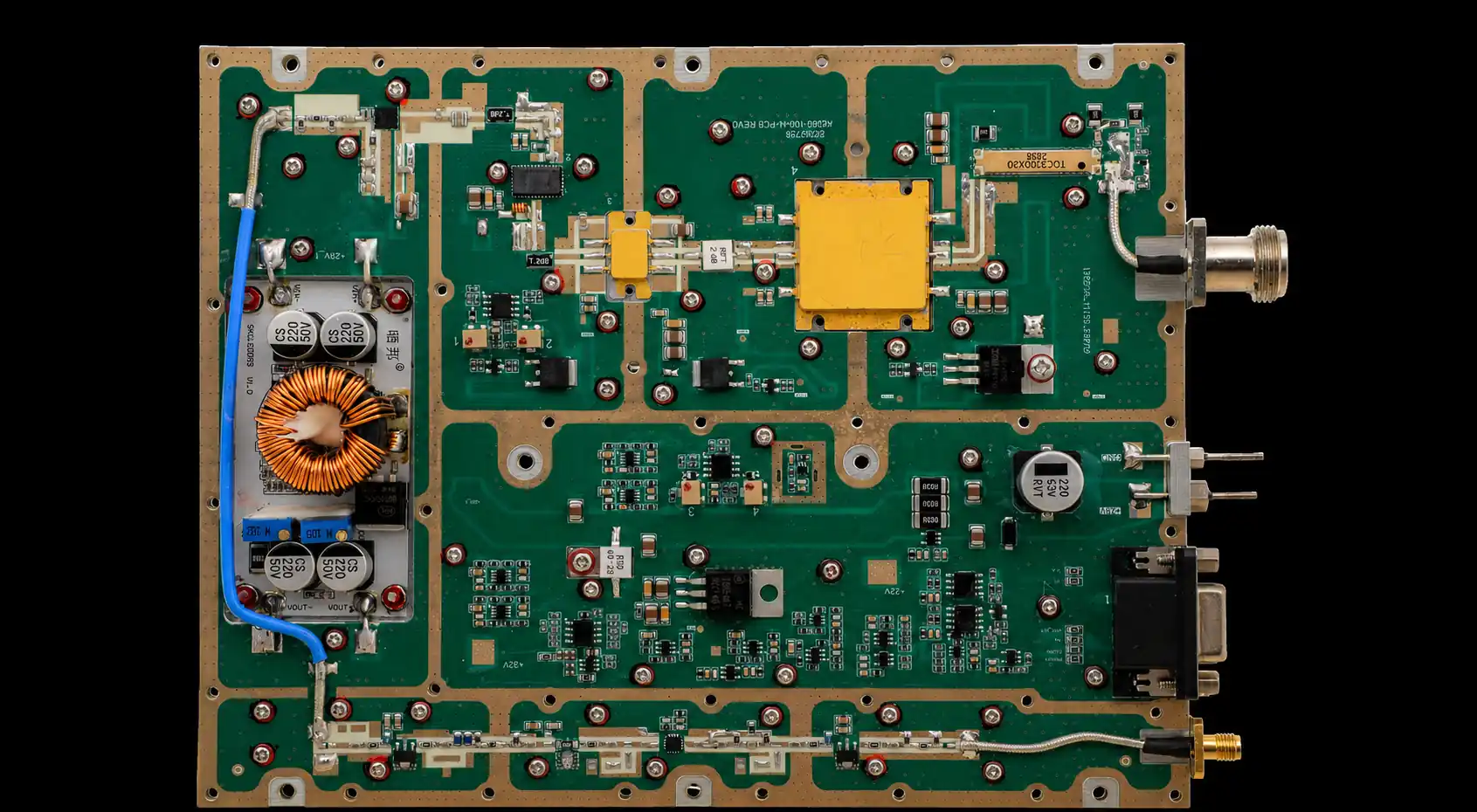
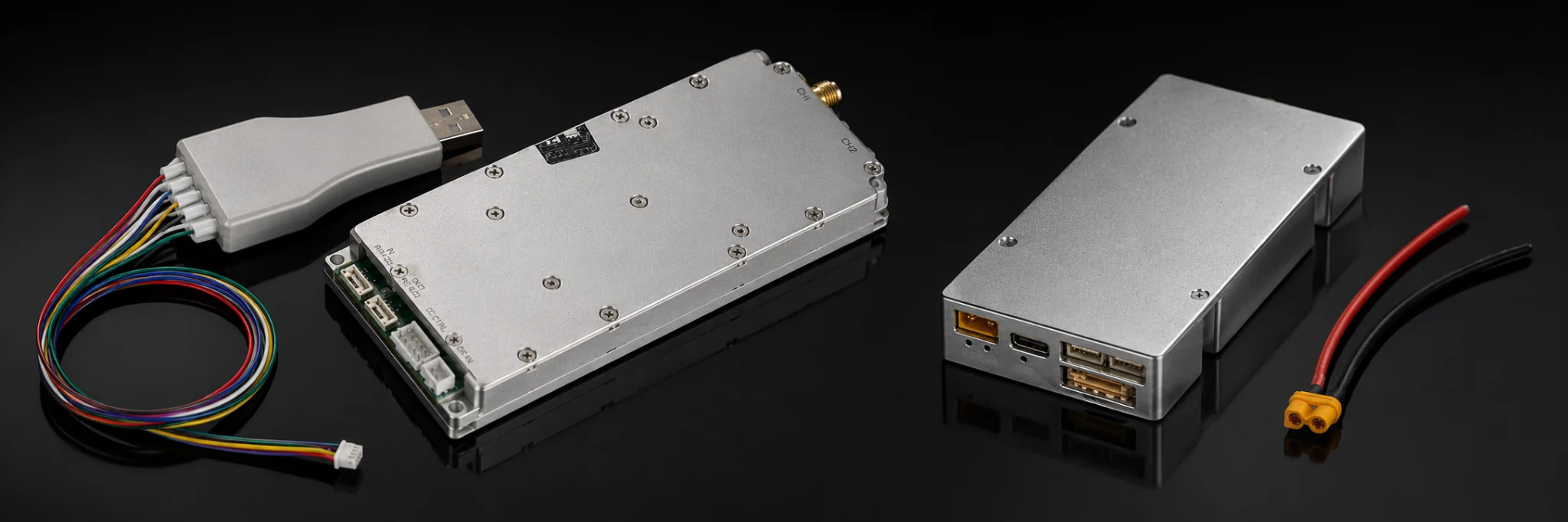

A changed RF adapter can make a good power amplifier look weak. Before you reject the PA, check whether the new reading follows the adapter, the cable path, or the way the connection was rebuilt.
Start by fixing the measurement reference plane. Keep the frequency, measured input drive, DC supply, cable, load, meter position, correction settings, duty cycle, test time, and starting temperature consistent. Then separate three possible causes: insertion loss, mismatch, and poor connection repeatability.
Stable loss may allow a measured correction. Mismatch needs a physical path check. A reading that moves after reconnection points to assembly or contact variation. Each fault needs a different response.
1. Fix the RF Measurement Reference Plane
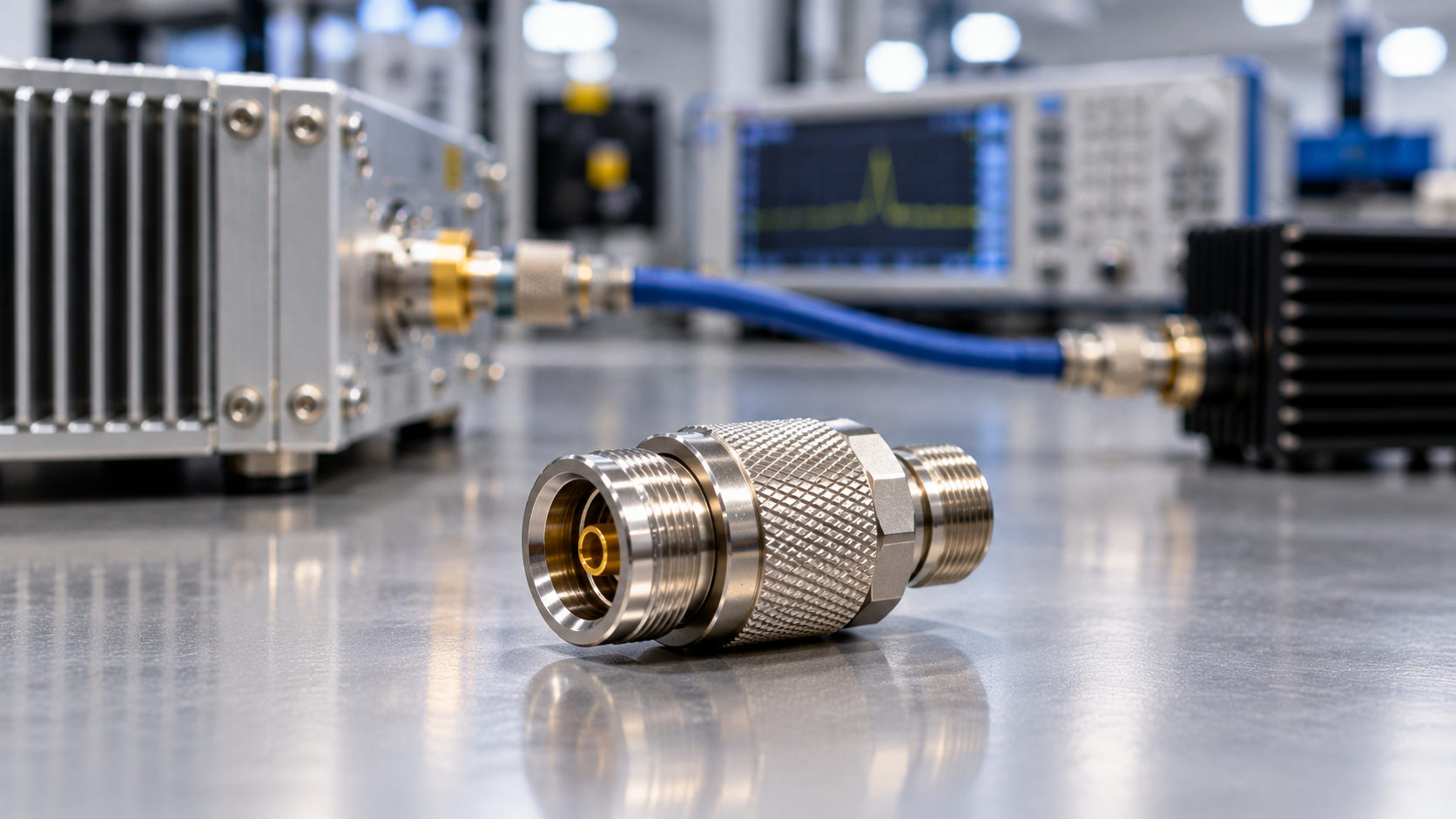
An RF adapter sits inside the transmission path. It can reduce the power that reaches the meter, change the impedance seen by the PA, and make a retest harder to repeat. A meter reading has little value unless the team knows where that reading applies.
Define the PA output connector and the exact measurement point. Also record the shortest approved RF path, dummy load, instrument, correction state, frequency points, input drive, DC condition, dwell time, and thermal state. A controlled dummy-load baseline gives the team a reference for every later comparison.
Without that baseline, the same change could come from the PA, adapter chain, cable, load, or instrument setup. Freeze the path before you diagnose the hardware.
Separate loss, mismatch, and repeatability
Adapter loss lowers the power delivered through the path. If the requirement applies at the PA output port but the meter sits after an adapter and cable, the raw reading can be lower than the PA-port value. Apply a correction only after you verify the path loss at the test frequency.
Adapter mismatch changes the impedance presented to the PA. It can raise reflected power, alter the response at some frequencies, or interact with PA protection. Adding a loss value cannot remove that mismatch.
Connection repeatability describes what happens when the team disconnects and rebuilds the same path. Torque, alignment, dirt, wear, cable stress, and mating-surface damage can all move the result. If the reading changes after reconnection, stabilize the path before you accept or reject the PA.
Keep this check separate from RF power amplifier gain flatness. If a frequency-dependent change appears only after an adapter moves, start with the measurement path.
2. Identify Every Adapter in the Test Path
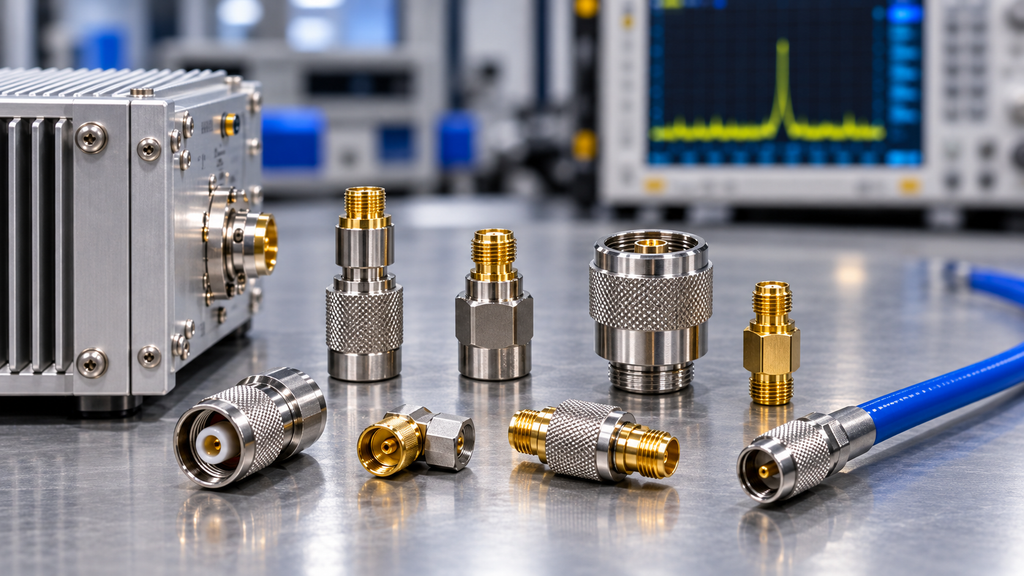
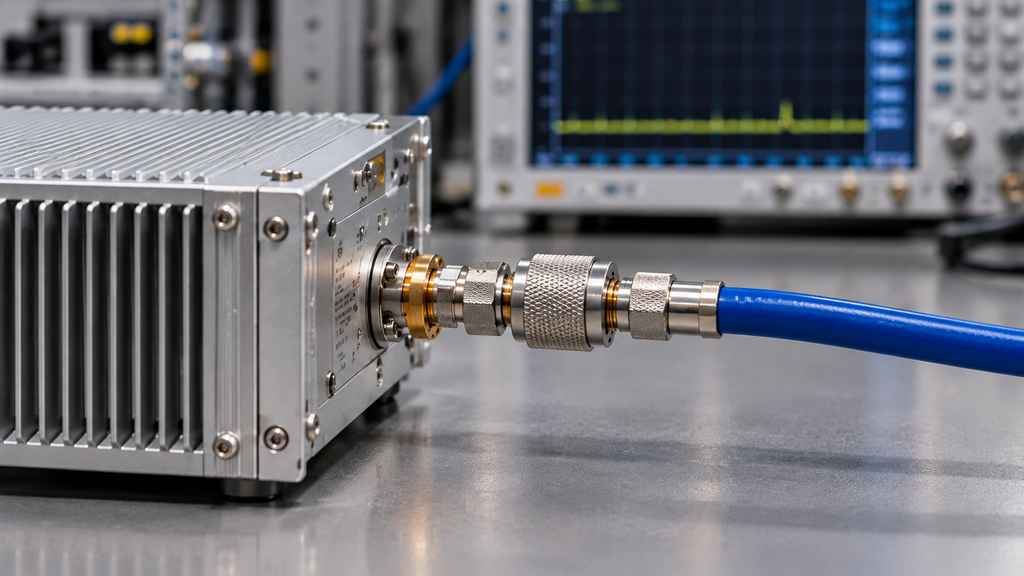
Give every removable transition a clear identity. A part should not remain in an acceptance path merely because its connectors fit.
Before the test, record:
- adapter type and connector interfaces;
- manufacturer, part number, or internal ID;
- frequency rating;
- average, CW, or other applicable power rating;
- connector and mating-surface condition;
- position in the RF path;
- approved tightening or torque method;
- service or replacement history when traceability matters;
- measured loss by frequency when you use that loss as a correction;
- adapter-kit reference when factory and customer retests use the same setup.
Use the shortest practical path
Each extra transition adds loss, mismatch, movement, dirt, and another variable during reconnection. Use the shortest path that protects the PA connector and supports safe measurement.
A qualified direct cable can remove needless interfaces. A qualified adapter can also protect an expensive PA output connector from repeated wear. Choose the path that the team can control and reproduce.
3. Check Frequency, Power, and Connector Condition
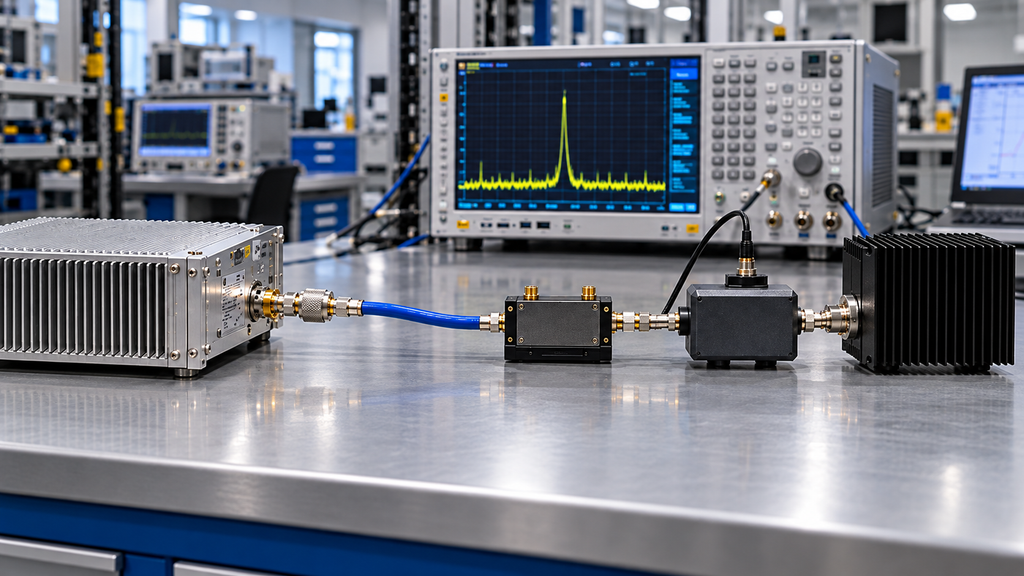
Connector compatibility does not prove that an adapter can handle the test. Check its frequency range, average or CW power capability, interface limits, expected mismatch, test time, and thermal limits. For a wideband test, one loss value at a convenient frequency cannot represent the full band.
Stop using the adapter as an acceptance reference if its rating does not cover the operating condition. Resolve the gap first.
Control the connection
Inspect both mating surfaces before assembly. Support heavy cables so they do not pull sideways on the adapter or PA connector. Use the approved tightening process, keep the path aligned, and never use the adapter body as a lever.
Connector-care guidance emphasizes clean, undamaged mating surfaces for accurate and repeatable RF measurements. Before applying RF power, inspect the interfaces, align the connection correctly, use the approved tightening process, and clean the connector only when needed using the appropriate connector-cleaning procedure.
For a retest, “same adapter model” is weak evidence. Use the same identified adapter, or use an equivalent path assembled under the same process.
4. Apply Verified Adapter Loss Only Once
Apply loss correction only after you define the measurement boundary and verify the loss. Before you enter a correction, answer three questions:
- Where does the instrument measure power?
- Which cables, couplers, attenuators, and adapters sit between that point and the PA-port reference plane?
- Does the meter, analyzer, software, or test system already include any of those losses?
Trace the correction to the actual path and frequency. Do not copy a generic loss value from another adapter, frequency, or bench.
If the requirement applies at the PA output port and the meter sits after the adapter chain, add only the verified path loss. Keep the raw reading, correction basis, total correction, and corrected result as separate fields. A missing correction can make a compliant PA look weak. A duplicate correction can make a weak path look better than it is.
When the main issue involves the whole test path, review test cable loss compensation as a separate problem.
A loss correction cannot repair mismatch
Watch REV or VSWR after you add the adapter. A rise in reflected power after the adapter is introduced shows that the RF path is no longer behaving like the reference condition. A dB correction cannot fix that difference. If reflected-load behavior also changes the PA response, evaluate RF power amplifier load mismatch protection separately from the adapter-loss correction.
5. Run a One-Variable A/B Retest
If a factory result and a customer retest differ, do not replace several path components at once. Change one variable and keep the rest of the setup fixed. Treat this adapter-specific A/B check as one controlled step within broader RF power amplifier testing.
Match the frequency, measured input drive, DC voltage under load, cable, dummy load, meter position, correction settings, duty cycle, dwell time, and thermal starting state.
Then use this sequence:
- Measure the shortest approved reference path without the suspect adapter.
- Record raw output, corrected output, and FWD/REV or VSWR when the test requires them.
- Add the suspect adapter without changing another condition.
- Repeat the same frequency points and dwell time.
- If the result moves, replace one adapter or removable transition at a time.
- If repeatability remains in doubt, disconnect and reconnect the same identified adapter under the same assembly process.
- Record the adapter ID and path used for the accepted result.
A difference that follows the suspect adapter supports an adapter-path cause. It does not prove a defect in the PA output stage.
Match each symptom to the next check
| Observation | Check the Adapter Path First | Evidence Needed Before Blaming the PA |
|---|---|---|
| Lower measured output | Adapter count, path loss, reference plane, correction state | Same frequency, input drive, load, path, raw reading, and corrected PA-port result |
| Higher REV or VSWR | Adapter match, alignment, mating surfaces, connector rating | Reference-path and suspect-path FWD/REV or VSWR under the same condition |
| Reading changes after reconnection | Torque, wear, dirt, cable stress | Repeated measurements with the same adapter ID or a controlled equivalent |
| Local connector heating | Power capability, contact condition, mismatch, dwell time | Temperature trend with frequency, RF level, duty, and dwell recorded |
| Error appears near one band edge | Frequency-dependent loss or return loss | Comparable data at the project frequency points |
| Factory and customer readings differ | Reference plane, adapter kit, cable, load, correction method | Side-by-side path definitions plus raw and corrected data |
If the customer measures after an installed feeder, check RF PA feeder cable loss before you assign the full difference to the adapter or PA.
If the abnormal result remains after you remove the suspect adapter and restore the reference path, widen the investigation. Check the cable, coupler, load, cooling, DC supply, instrument chain, and PA.
6. Test the Frequencies and Power Conditions That Matter
Use frequency-dependent evidence when the error appears near one band edge, REV rises only at certain frequencies, the test applies one loss value across a wide band, or the factory and customer use different frequency points.
Test the project frequencies instead of relying on a center-frequency check. A path that looks stable at low power may also move during a long RF run. Heat, contact resistance, or a component near its power limit can change the result.
Use full power only when the decision needs it
A low-power network-analyzer result describes insertion loss or return loss under that test condition. It cannot show how the same connection will behave at the required RF power and dwell time.
For a wideband or hot-state requirement, include the adapter path in the swept-frequency full-power RF PA test. Record the frequency, output reference plane, RF level, input drive, DC condition, duty cycle, dwell time, FWD/REV or VSWR, and connector temperature when the project needs it.
If a repeatable shift follows one adapter and disappears with a controlled replacement, treat that transition as the leading path cause and correct or replace it before reassessing the PA. If the shift remains on the shortest approved path, gather more evidence before you assign the cause.
7. Put Adapter Evidence in the RFQ and Test Report
Define the output boundary before final acceptance. The RFQ should say whether the required output applies at the PA port, after a factory test path, at the feeder end, at the antenna input, or at another agreed plane. It should also state whether the reported path includes removable adapters.
| Buyer Requirement | Required Evidence | Test Condition | Evidence Scope | Decision Use |
|---|---|---|---|---|
| Defined output boundary | Test-path definition and output reference plane | Same agreed measurement setup | Stated path and plane only | Separate PA-port power from downstream power |
| Adapter identity and suitability | Type or ID plus frequency and power ratings | Adapter used in the reported path | Identified adapter or controlled equivalent | Support traceability and qualification review. |
| Adapter or path loss | Raw reading plus verified correction basis | Defined frequency and reference plane | Tested path and frequencies only | Report corrected PA-port output without hiding raw data |
| Mismatch behavior | FWD/REV or VSWR when required | Same load, frequency, path, and operating state | Tested connection only | Separate mismatch from insertion loss |
| Reconnection repeatability | Measurements after controlled reconnection | Same adapter ID, assembly process, and relevant conditions | Tested connection and repeat sequence | Judge whether the result supports acceptance |
| Hot-state stability | Cold and hot readings plus temperature data when required | Defined RF level, duty, dwell, cooling, and thermal state | Tested operating condition only | Judge whether low-power data are sufficient |
| Unit traceability | Module S/N, date, path, adapter ID, and result | Final reported test condition | Tested unit and recorded setup | Reconstruct the release evidence |
Project acceptance limits must come from the applicable RFQ, specification, contract, or approved test plan. Component ratings define whether an adapter or other path element is suitable for the intended operating condition; they do not by themselves define the PA acceptance limit.
The final RF amplifier test report should let another engineer rebuild the accepted path. Record the module S/N, frequency, input drive, DC voltage and current, measurement point, cable and adapter setup, raw reading, correction value, corrected output, FWD/REV or VSWR, load, duty cycle, thermal state, and acceptance basis as required.
Use the C-UAS RF PA acceptance checklist when the adapter evidence must support a wider shipment-release record. One final power number cannot show where the team measured it, what correction they used, or whether the path changed later.
Frequently Asked Questions
Can I use an RF adapter during full-power PA testing?
Yes. Confirm that the adapter suits the connector interface, frequency range, RF power, expected mismatch, and test time. Identify it, inspect it, support the cable, and include it in the path definition. When the project needs hot-state evidence, record reflected power or temperature with the operating condition.
How do I separate adapter loss from weak PA output?
Compare the shortest approved reference path with the suspect path. Keep the frequency, input drive, DC supply, load, correction state, duty cycle, and thermal state the same. If the difference follows the adapter or its reconnection state, inspect that path before you adjust or reject the PA.
Should I include adapter loss in the corrected result?
Include it when the agreed reference plane requires the correction and you have verified the loss for that path. Keep the raw reading, correction basis, and corrected result separate. Never add the same loss twice.
Check the Path Before You Reject the PA
Restore the shortest approved reference path and repeat the measurement. If the abnormal result follows the suspect adapter under a controlled comparison, repair or replace that path. If the result remains after you remove the adapter, check the rest of the test system.
For an RFQ involving custom RF power amplifier modules, define the frequency range, output reference plane, adapter and connector plan, load, duty cycle, cooling, DC supply, reflected-power boundary, control needs, and required test evidence. These inputs support engineering review and RFQ definition; they do not by themselves confirm that a specific RF PA model is suitable for the project.